Tuesday, 5 March 2013

Granny Smith v1.2.0 Full APK

Granny Smith

From the makers of Sprinkle!
"Mediocre is proving themselves the Pixar of the mobile gaming scene, and has once again, hit one out of the ballpark." [Phandroid]
"Gaming app of the day" [Kotaku]
"Another great looking release from the Sprinkle crew, one that provides hours of entertainment without a steep learning curve" [JayIsGames]

Granny Smith loves her apples, but a bewheeled thief is stealing from her precious garden! Help Mrs. Smith as she swiftly skates through farmland and cityscapes, crashing through everything from barns to offices in the pursuit of fruit. Get to the apples before the thief does!
Granny Smith is a fast-paced racing platformer filled with spectacular crashes and amazing stunts. Jump, glide, swing and smash your way through 57 hand-crafted levels in four distinct settings. Just be sure to land on your feet!
Features:
* Spectacular physics – Granny Smith uses some of the most advanced destruction physics in mobile games. Crash through crates and windows and watch the pieces fly all over!
* Dazzling visuals – Zoom through dozens of vibrant, whimsical worlds! Each level is like a fanciful, three-dimensional storybook.
* Intuitive controls – Help Granny pull off crazy moves with simple two-button controls – perfect for both tablets and phones.
* Vintage replays – Watch your best runs in retro movie style with cool camera angles and slow-motion effects!
* Power Granny up – Collect coins and equip Granny with a helmet, banana peels and baseballs. If Granny is getting old, you have two alternative characters to play with – Scruffy and Stanley!


SPB Shell 3D v1.6.1 APK


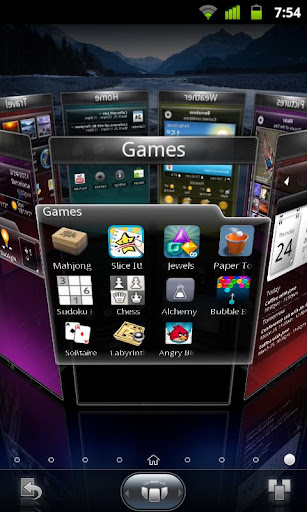
SPB Shell 3D: next generation user interface. Add a new dimension to your phone!
Next generation use interface.
3D reality for you phone. Add a new dimension to your Android!
Features:
3D Home screen/launcher
Smart folders
3D widgets
Collection of panels and widgets
SPB Shell 3D Reviews:
"Butter-like smoothness" - Engadget
"As useful as it is gorgeous" - ZDNet
"Absolute Must-Have for every Android user!" - Gizmodo
"Looks Incredible And Runs Smoothly" - LAPTOP Magazine
To launch SPB Shell 3D press the Home button once installation is completed.
If you are not able to launch SPB Shell 3D, please use "Home Switcher" application from Android Market.


Download Link 
Instructions:-***Remove licence verification via lucky patcher
   Download Lucky Patcher 

Sunday, 3 March 2013

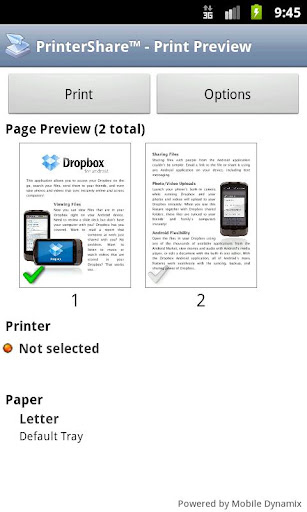
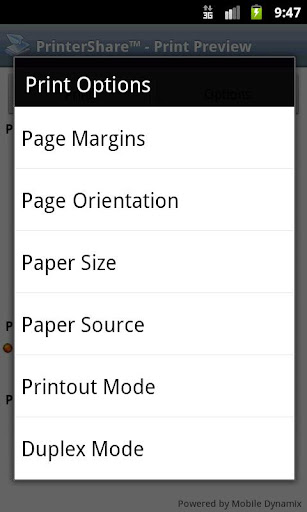
PrinterShare Premium Key v3.6

PrinterShare™ Premium Key


This key unlocks premium features of free PrinterShare application. It cannot be used on its own! If you haven't done so already, please install main free PrinterShare app and print test page before purchasing this key.
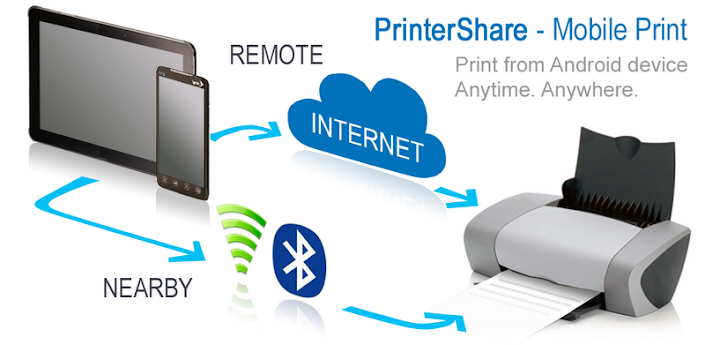
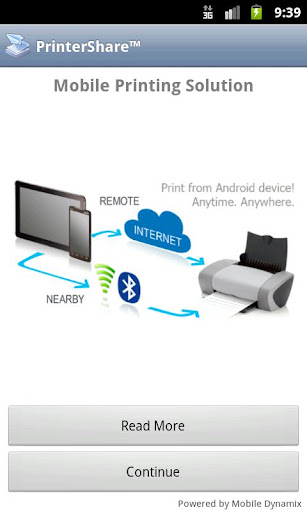
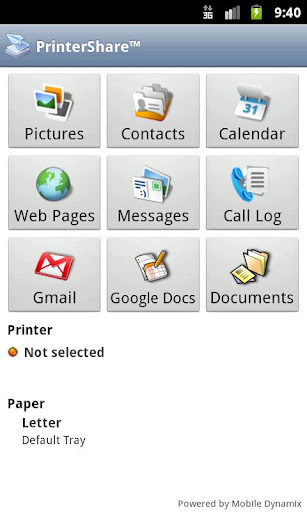
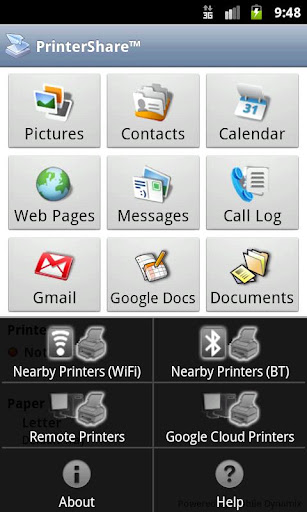
Wirelessly print documents (MS Office: Word, Excel, Powerpoint; PDF and text files) from device memory, SD card and even from Google Docs!

Instantly print emails from Gmail, photos, contacts, agenda, sms/mms, call log, web pages and other digital content directly from your device to a printer right next to you or anywhere in the world!
Premium Features:
* Nearby direct printing via Wi-Fi, Bluetooth and USB without PC;
* Nearby printing to Windows shared (SMB/CIFS) or Mac shared printers;
* Unlimited Remote printing. The receiving end (Windows or Mac) would not have to buy pages or subscribe.
Note: Main PrinterShare app also supports Google Cloud Print service at no charge.
PrinterShare are supporting a wide variety of HP, Epson, Canon, Brother, Samsung and other printers including legacy networkable.
Have a good print!


Download Exchange by TouchDown Key apk free

Exchange by TouchDown Key
This is the TouchDown License key ONLY, for ALL android devices.
NOTE: Key has been updated ONLY to support more devices, so if you already have this, you can skip the update
DONT buy this until you have installed and configured the FREE trial version application named "TouchDown for SmartPhones" or "TouchDown HD for Tablets"

YOU WONT RECEIVE A SEPARATE SERIAL NUMBER.
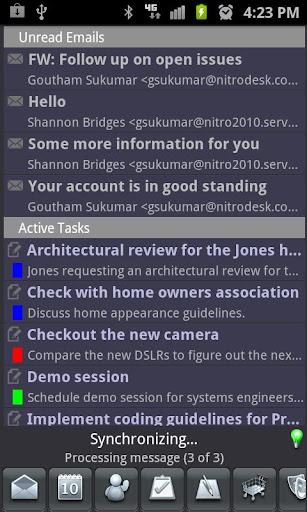
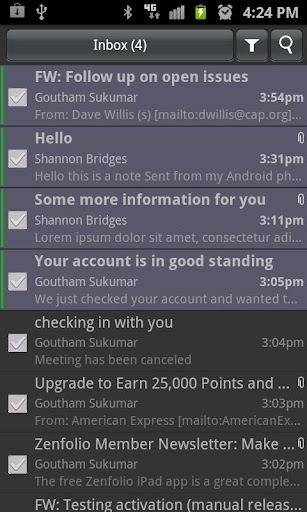
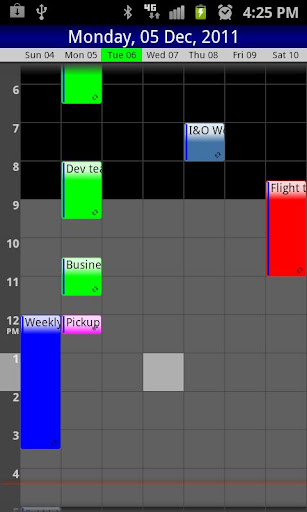
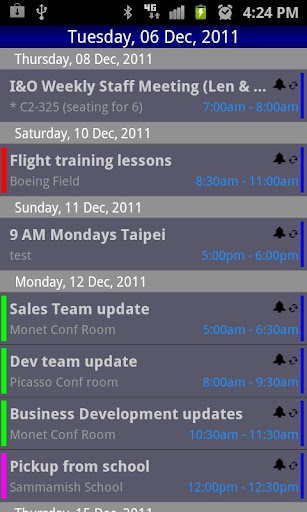
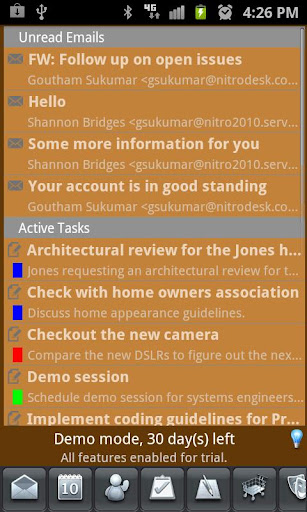
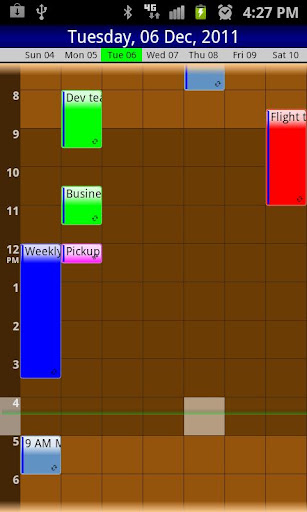
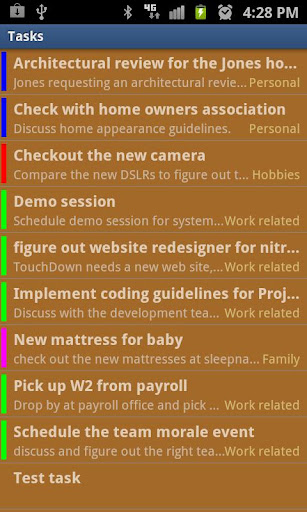
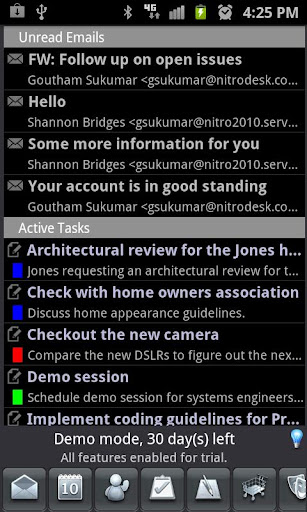
Connect to your Exchange Server to get Email, Contacts, Calendar and Tasks with TouchDown. TouchDown provides most complete Exchange sync.
When it comes to corporate data access on your device, you get what you pay for. For a fair comparison, compare the download counts along with the stars.
NitroDesk, Inc. has been building and improving TouchDown since October 2008. We have improved the product through hundreds of internal versions, to bring you the best and most downloaded Email solution for Android.
Comprehensive : Support for most number of data types (Email, Calendar, Contacts, Tasks) and Notes and SMS syncing for Exchange 2010 servers.
Customizable : Dozens of options to make the app behave just the way you want. Custom notifications, speech notifications, viewing tweaks, pinch-to-zoom, peak times and many more.
SD card support : Move your data to the SD card if necessary
Widgets : Email, Tasks, Calendar, Universal Widgets make it easy for you to see your status at a glance. Support for third party widgets give you a wide range of choice
Most Secure: TouchDown supports exchange activesync policies such as PIN, Remote Wipe, Data encryption and Storage card encryption of corporate data. Hundreds of organizations trust TouchDown to ensure security, privacy and confidentiality of their data. Discerning organizations mandage the use of TouchDown to ensure high usability along with security.
Corporate Data Separation: TouchDown keeps your corporate data separate from your personal data. Without TouchDown, your employer can actually flatten your phone to factory defaults. With TouchDown, they can only remove corporate data belonging to them, leaving behind your personal information.
S/MIME: TouchDown is the only android solution so far that supports sending and receiving S/MIME signed and encrypted emails. S/MIME signing and encryption ensures that your emails are not tampered with, and can ensure that emails you send can be ensured to be visible only to the intended recipient.
Manageable : TouchDown integrates with most popular Mobile Device Management solutions in the market today, increasing the chances that your phone can play well with your IT organization's security policies.


RealCalc Plus 1.7.4

RealCalc Plus

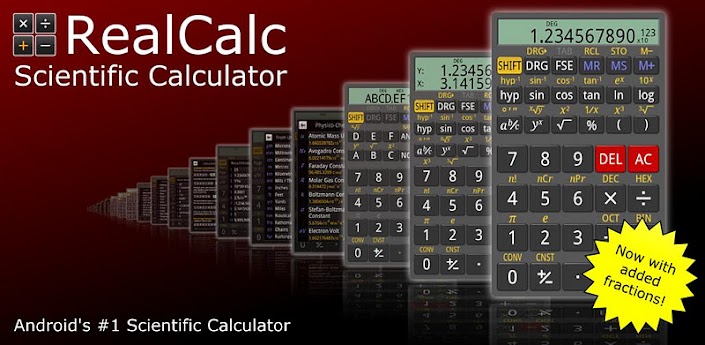
RealCalc Plus is the enhanced version of Android's #1 Scientific Calculator, RealCalc - a fully featured scientific calculator which looks and operates like the real thing.
RealCalc Plus includes the following features:
* Traditional algebraic or RPN operation
* Fraction calculations and conversion to/from decimal
* Degrees/minutes/seconds calculations and conversion
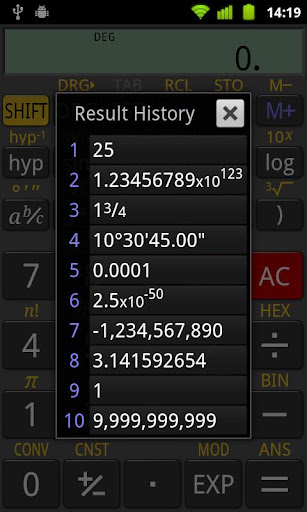
* Result history
* User-customizable unit conversions
* User-customizable constants
* Percentages
* 10 memories
* Binary, octal, and hexadecimal (can be enabled in Settings)
* Trig functions in degrees, radians or grads
* Scientific, engineering and fixed-point display modes
* Landscape mode
* Configurable digit grouping and decimal point
* Full built-in help
FAQ:
* If you want data size conversions in multiples of 1024, use kibibytes, mebibytes, gibibytes, etc - see en.wikipedia.org/wiki/Kibibyte.
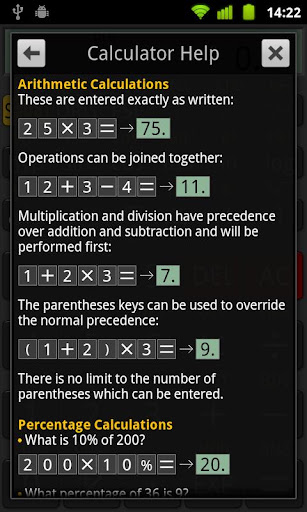
* If the percent key appears to give wrong answers, make sure you are pressing '=' at the end, e.g. '25 + 10 % =' will give 27.5.
* If sin/cos/tan functions don't give the answer you are expecting, make sure you are in the correct angle mode. Degrees, radians and grads are supported, indicated by DEG, RAD, GRAD in the display. Use the DRG key to change mode.
* If any of the digit keys are disabled, or the decimal point doesn't work, or you have answers with letters in, or basic arithmetic appears to be wrong, then you are in binary, octal or hexadecimal mode. Press DEC to return to decimal operation. If you don't need these modes, please make sure that 'Enable Radix Modes' is disabled in the settings.
* If you can't find HEX, BIN or OCT modes, go to the settings and make sure that 'Enable Radix Modes' is checked.
   
 
Download Here:-

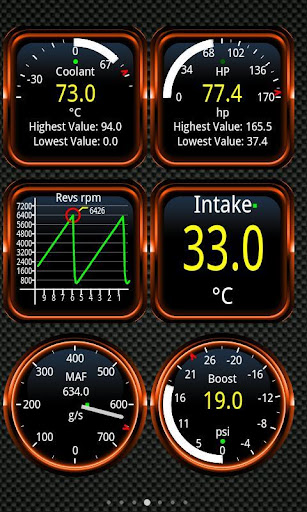
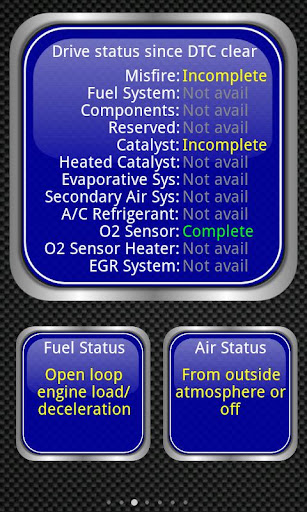
Torque Pro (OBD2 & Car) Apk v1.6.34

Torque Pro (OBD 2 & Car)
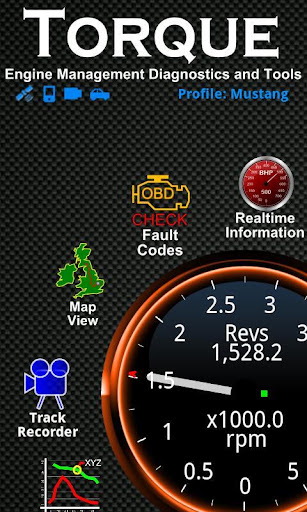
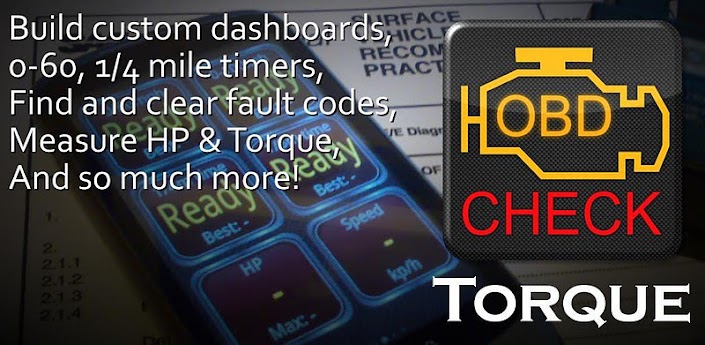
See what your car is doing in realtime, get OBD fault codes, car performance, sensor data and more!
Torque is a vehicle / car performance / diagnostics tool and scanner that uses an OBD II Bluetooth adapter to connect to your OBD2 engine management / ECU
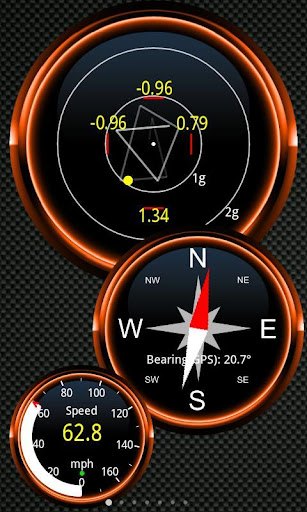
Layout your own dashboard with the widgets / gauges you want!
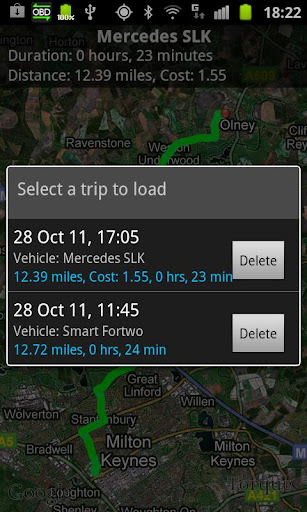
It can use the GPS to provide tracker logs with OBD engine logging so you can see what you were doing at any point in time
It can also show and reset a DTC / CEL / fault code like a scantool. Helps you fix your car and helps keep repair costs down!

Torque also features:
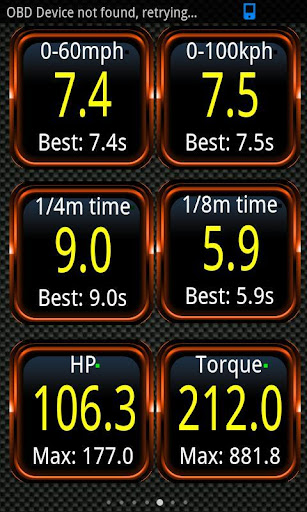
* Dyno / Dynomometer and Horsepower/HP & Torque
* Can read Transmission Temperatures (vehicle dependant)
* 0-60 speed timings - more accurate than just using plain old GPS - see how fast your car is (or truck )
* CO2 emissions readout
* Customisable dashboard & profiles
* Video your journey using the Track Recorder plugin with onscreen OBDII data overlay - a black box for your car/truck!
* Automatically send GPS tagged tweets directly to twitter (for example if you are going on a road trip)
* Massive fault code database for lookup of fault codes from different manufacturers
* Theme support (choose from different themes to change the look of your dashboard)
* Send logging information to web or email CSV/KML for analysis via excel / openoffice reader
* Heads up display / HUD mode for night time driving
* Compass (GPS Based) that won't suffer magnetic interference
* GPS Speedometer/Tracking and realtime web upload capability - see what you were doing and your engine, at a point in time
* Turbo boost feature for vehicles that support MAP and MAF sensors (VW & Golf / Audi / Seat etc supported)
* Alarms and warnings (for example if your coolant temperature goes over 120C whilst driving) with voice/speech overlay
* Car dock support
* Graph data
* MPG
* Able to share screenshots to Facebook, Twitter, Google+, Email, etc
* AIDL API for third party apps, A simple Telnet interface for developers to talk to the adapter, and an OBD scanner.
* Works on tablet devices like the Motorola Xoom, Dell Streak, Samsung Galaxy Tab and Nook
Works on any vehicle that uses the OBD 2 standard (most vehicles built after 2000, but can work for vehicles as far back as 1996) if in doubt check with your manufacturer first or look for 'OBD2' on written on a big white label in your engine bay
Works on vehicles made by Ford, VW, GM/Vauxhall/Opel, Chrysler, Mercedes, Volkswagen, Audi, Jaguar, Citroen, Peugoet, Skoda, Kia, Mazda, Lexus, Subaru, Renault, Mitsubishi, Nissan, Honda, Hyundai, BMW, Toyota, Seat, Dodge, Jeep, Pontiac and many more vehicle makes, European, US, Far East, etc. Some vehicle ECUs may support more/less features than others
The app needs a Bluetooth OBD2 adapter to work. The adapter is small and plugs into the diagnostics socket on the car which gives your phone access. You can find a list of adapters on: http://torque-bhp.com/wiki/Bluetooth_Adapters (Garmin EcoRoute HD adapters not supported)
If you buy one of the cheap china OBD2 ELM327 bluetooth adapters from ebay / amazon, then make sure you have a good returns policy with the seller
Some of the best reliable OBD2 / OBD adapters are the Scantool.net adapter, the OBDKey, and PLX Devices, OBDLink, Bluetooth, ELM327 and other adapters are supported - search on google for them
More features added every release - there are forums at http://torque-bhp.com/forums/ - if you want something added then let me know and I'll try to add it if it is possible! Vehicle ECUs vary in the amount of sensors supported
*PLEASE NOTE* Any reports of hanging or reboots after quitting the app is due to a bug in HTC devices and Galaxy Tab,this can be triggered by using the Pandora/Vlingo/Other BT apps. Disabling Pandoras new bluetooth settings fixes the problem, but HTC/Samsung need to release a fix.Please contact their support and request a fix,Thanks!

  
  
https://play.google.com/store/apps/details?id=org.prowl.torque
Download Instructions:
http://uploaded.net/file/o7m05s8r

 Mirror:
http://rapidgator.net/file/79242275

MyBackup Pro v5.4.0.2

My Backup Pro
MyBackup Pro is the easiest backup for Android. Supporting the most content, and the most Android devices.
Backup (with schedule option) to our online secure servers(Cloud backup), or SD card, your Applications, Photos, Music, Videos, Contacts, Call log, Browser Bookmarks, SMS (text messages), MMS (message attachments), Calendar, System Settings, Home Screens (including shortcut positions), Alarms, Dictionary, Music Playlists, APNs, and more...

Restore your backups on your existing or new phone.
View your data and application backups online, by logging into the Web Viewer at www.RerWare.com
MyBackup Pro will work on all Android mobile devices!
Find out why over 2.5 million people have chosen MyBackup as their secure source for a Backup Solution.
MyBackup Pro will work on all Android mobile devices, regardless if they have root access or not.
Users who have a rooted phone: You can backup apk+data as well as market links!
NOTE: Data/setting of applications can only be supported if you have a rooted phone, or if the application integrates with us.
Features and supported items:
- Backup to your SD card
- Cloud backup to our online secure servers
- Restore to existing or new phone (Migration)
- View the backup in detail without having to restore
- Applications Backup and Restore
- Photos Backup and Restore
- Music Backup and Restore
- Video Backup and Restore
- Contacts Backup and Restore
- Call log Backup and Restore
- Browser Bookmarks Backup and Restore
- Text messages (SMS) Backup and Restore
- Message attachments (MMS) Backup and Restore
- Calendar Backup and Restore
- System Settings Backup and Restore
- Home Screen Shortcuts and Wallpaper Backup and Restore
- Alarms Backup and Restore
- Dictionary Backup and Restore
- Music Playlists Backup and Restore
- ALL Android devices supported!
- Available in over 10 languages
- Easiest backup to use on Android
- And much more...

__ ROOT ONLY PHONE FEATURES BELOW __
MyBackup Pro now comes with all MyToolbox features for Free.
This application will allow Root users to multi-select applications and perform the following functions with 0-click batch operations!
- Freeze bloatware, system apps
- UnFreeze frozen applications
- Wipe Cache of applications
- Wipe Data of applications
- Uninstall applications
- Break the Android Market Link to Apps
- Link Apps to the Android Market
- Force Close applications


Download Link